
How to Search Telegram with JiSou
Telegram contains a large number of public channels, groups, and other resources, but its built-in discovery features do not cover everything. This guide explains how to use the third-party JiSou bot to search Telegram.
The original Chinese article also noted that some +86 mobile numbers could register at the time of writing. Registration availability and verification delivery can change, so treat that as a dated observation rather than a guarantee.
Download Telegram
On Windows, you can install Telegram from the Microsoft Store.
You can also download an official client from the Telegram website.
Registering an account
At the article's April 2025 publication date, Telegram was accepting some +86 numbers. If a number cannot receive a code or complete registration, an overseas mobile number obtained through an eSIM may be an alternative.
The source article warned that 5ber appeared to have stopped reliably delivering downloadable eSIMs after purchase and mentioned 9eSIM as an alternative. Verify the current status, device compatibility, refund terms, and the long-term availability of any number before paying. Losing access to the registration number can make account recovery difficult.
Another account option (sponsored)
If you prefer not to complete registration yourself, you can review Telegram账号购买 (Telegram account purchase), compare the available options and delivery instructions with your needs, and then decide whether to buy. Before paying, confirm the login method, ongoing control of the linked phone number, other active sessions, and how two-step verification and the recovery email are handed over. Buying an account does not guarantee lasting access or freedom from restrictions; do not pay if control cannot be established.
Telegram's FAQ advises retaining access to the linked number. This is a sponsored entry point; this site has not purchased or tested the seller's account delivery, and the link does not imply Telegram endorsement.
Optional Simplified Chinese language pack
Open the Simplified Chinese language-pack link in Telegram.
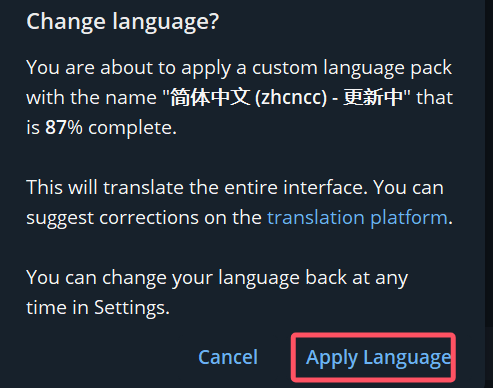
Select Apply Language to install it. This is a community language pack, not a requirement for using Telegram.
Search with JiSou
After signing in, open the JiSou search bot.
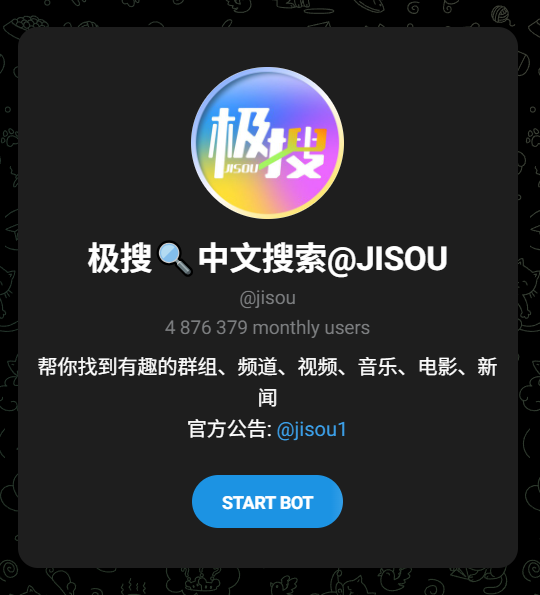
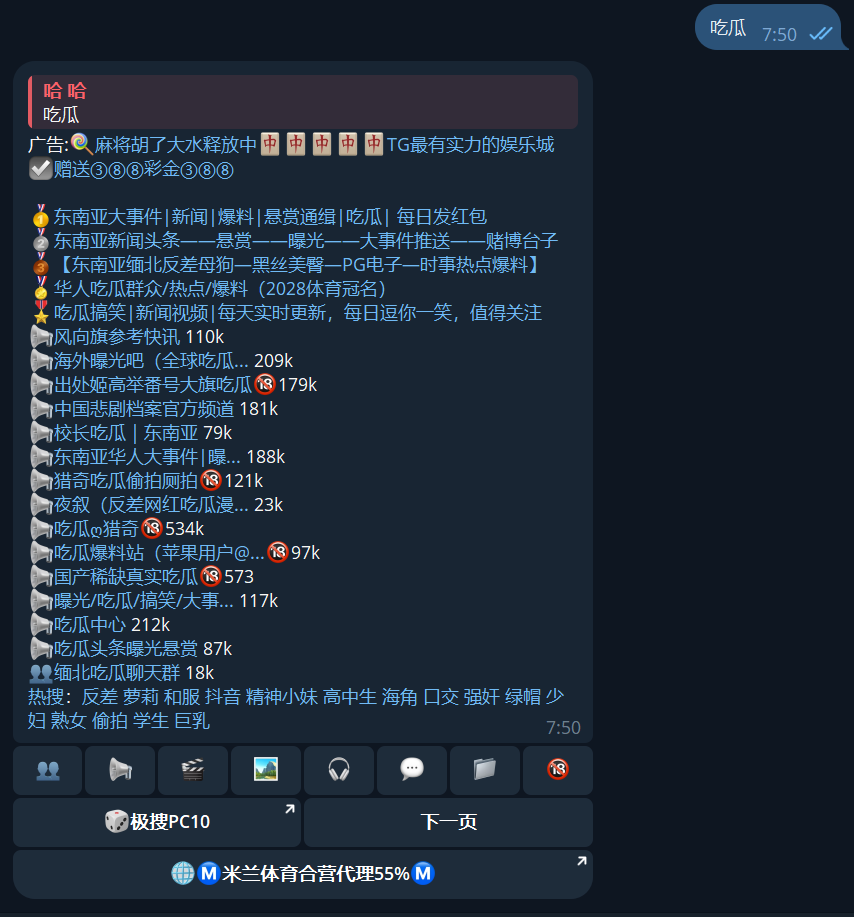
Start the bot, enter a keyword, and choose a result to open the corresponding public resource in Telegram.
Safety notice
JiSou is a third-party search service. A search result is not proof that a channel, file, product, or claim is legal, authentic, or safe.
- Follow the laws that apply to you and do not download or distribute unlawful material.
- Do not disclose verification codes, recovery passwords, payment credentials, or identity documents to a bot or channel.
- Treat unsolicited investment offers, paid “account recovery,” and requests to move money as high-risk.
- Review Telegram's privacy settings and enable two-step verification.
If you encounter a problem with this guide, leave a comment with the client and platform you are using.