
9eSIM V3 Guide for Loading a Carrier eSIM Profile
What 9eSIM is—and is not
9eSIM V3 is a physical, SIM-shaped programmable eUICC card. It stores eSIM profiles and lets a compatible phone use them through a physical SIM slot. It is not itself a mobile carrier, telephone number, verification-code service, or data plan.
9eSIM's current terms state that its cards ship blank and that customers obtain profiles separately from a GSMA-compatible carrier or travel-eSIM provider. The source article used a plan purchased through the separate eSIM Plus app as its example.
No registration guarantee
An eSIM profile may be data-only, may not include a telephone number, or may not receive application verification messages. Google, Telegram, X, and other services can reject VoIP, shared, recycled, or unsupported number ranges. A successful test in the source article is not a guarantee for another number or a later date.
Reasons to use a removable eUICC
- Store and switch among compatible eSIM profiles on a device with a physical SIM tray.
- Reuse the hardware after a plan expires by loading another supported profile.
- Move the physical card between compatible devices, subject to the profile provider's rules.
- Use an open LPA workflow instead of depending on one travel-plan vendor's app.
It does not automatically improve privacy. The hardware vendor, carrier or travel-eSIM provider, visited network, and online service can still process identifiers and connection records according to their roles.
Cost snapshot
The original October 2025 test recorded:
| Item | Price recorded by the source | What it buys |
|---|---|---|
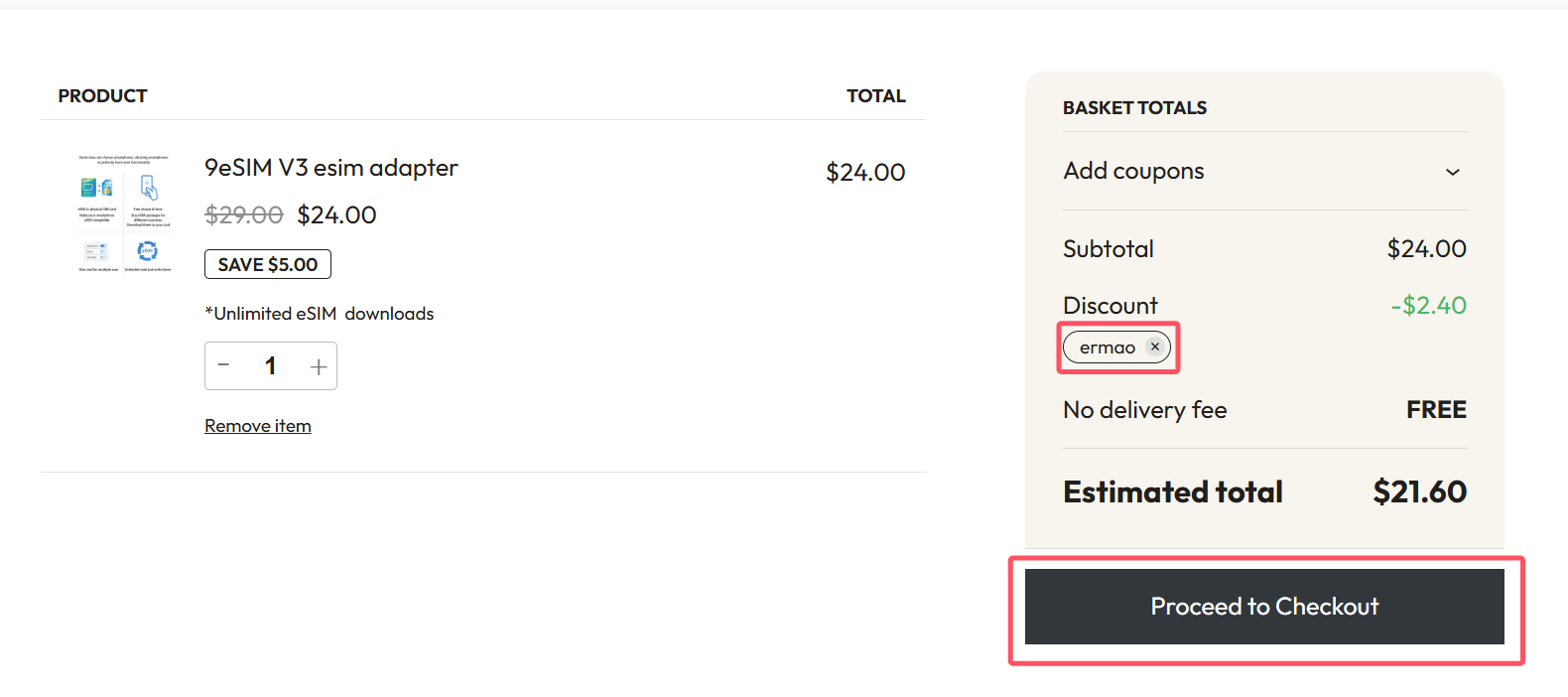
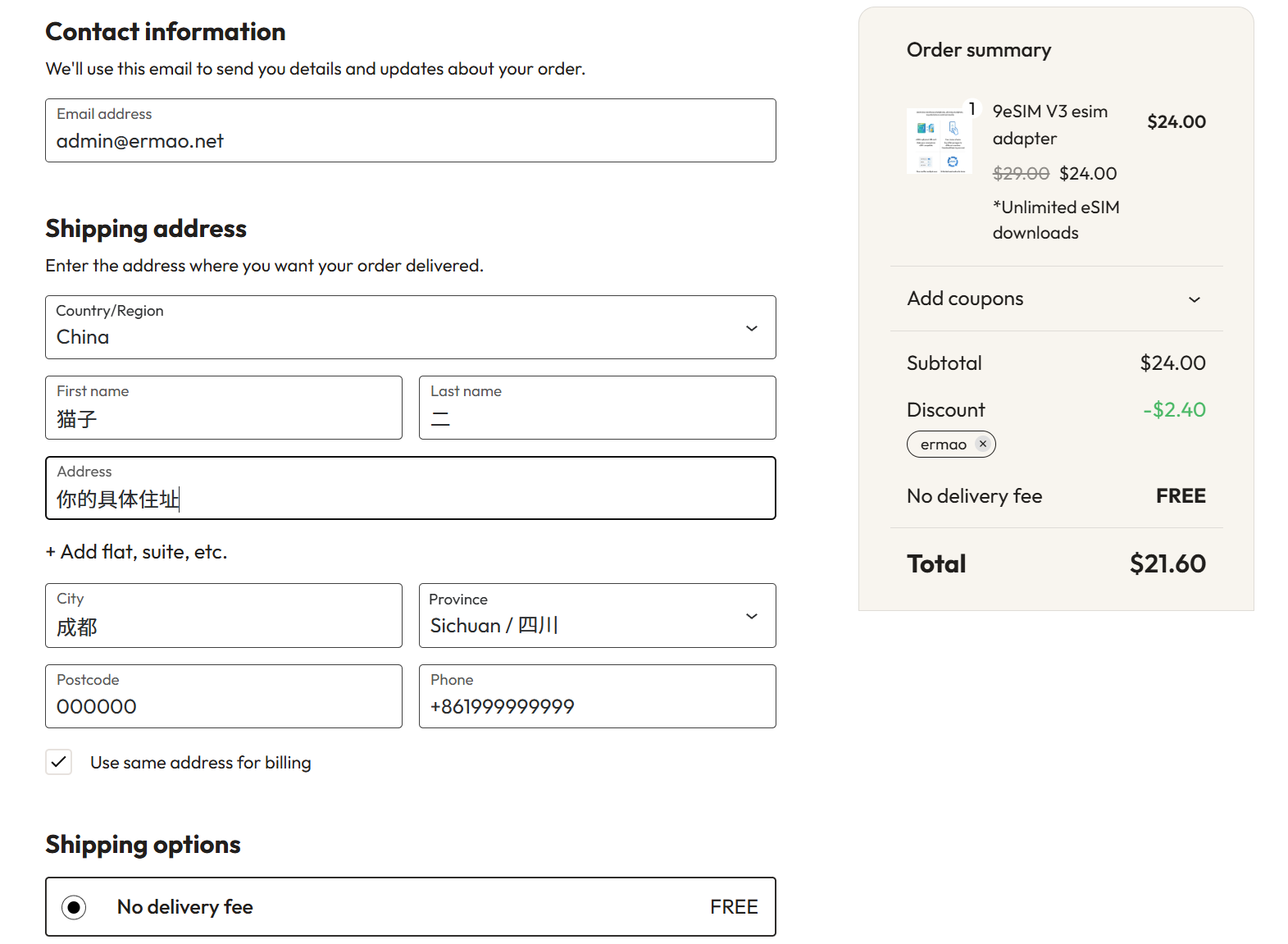
| 9eSIM V3 | USD 24 list price; USD 21.60 after the recorded code | Reusable physical card hardware |
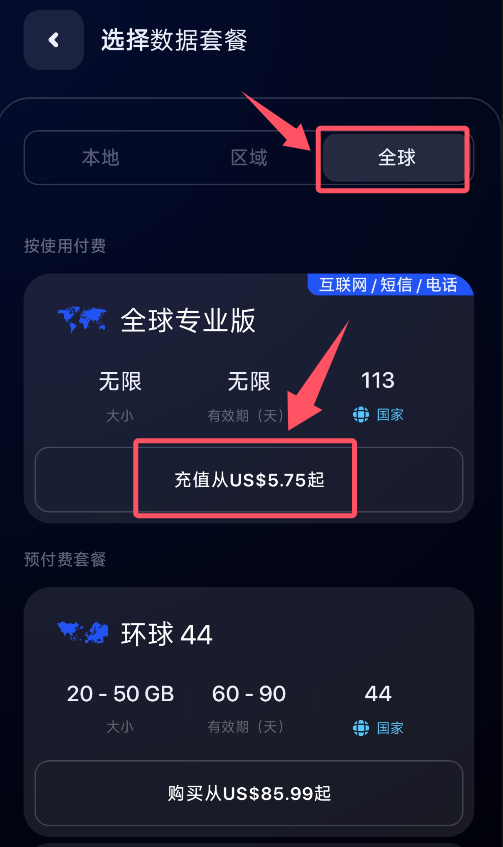
| eSIM Plus plan | USD 5.75 in the tested app flow | A separate eSIM profile or service plan |
| Approximate total | CNY 195 at the source's exchange-rate snapshot | Hardware plus the example plan |
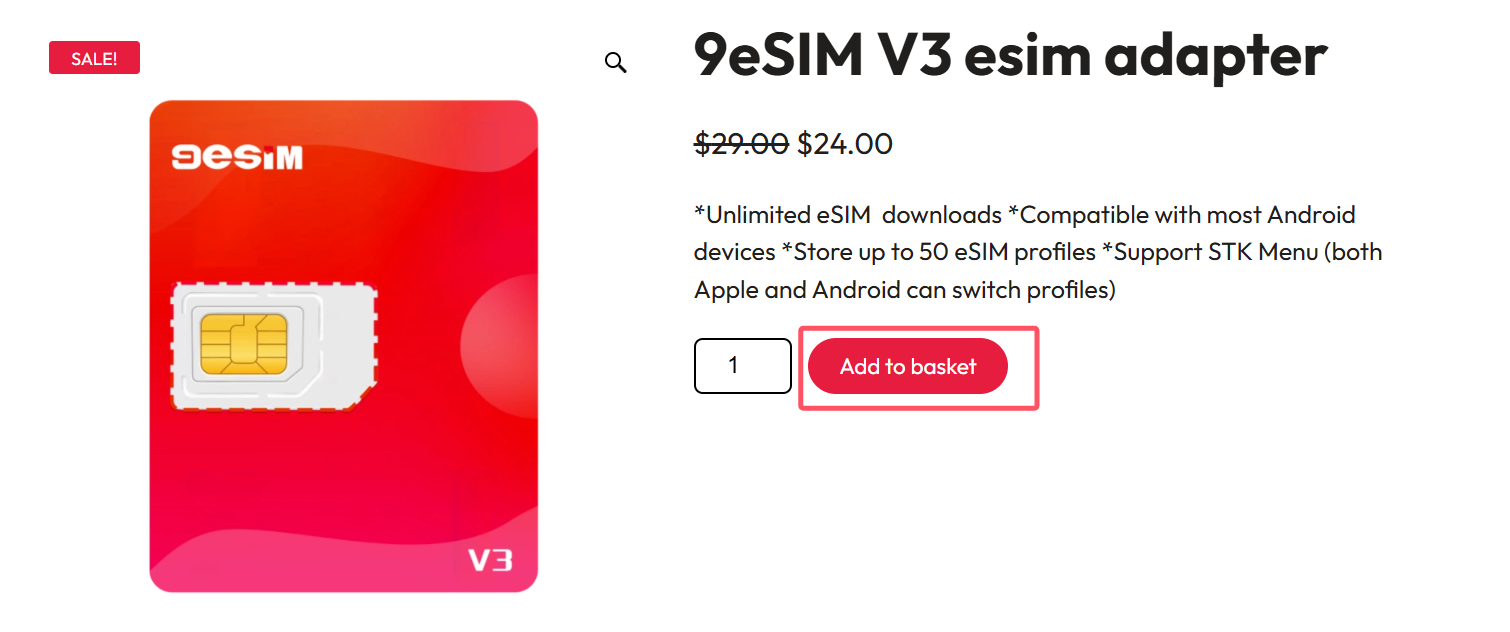
The official product page listed 9eSIM V3 at USD 24 when this English version was checked. Taxes, shipping, customs, exchange rates, plan prices, payment methods, and discounts can change.
The referral link and code below may support this site. See the affiliate disclosure.
- Website: 9eSIM V3
- Recorded code:
ermao - Discount claimed by the source: 10%
Confirm the price shown by checkout before paying.
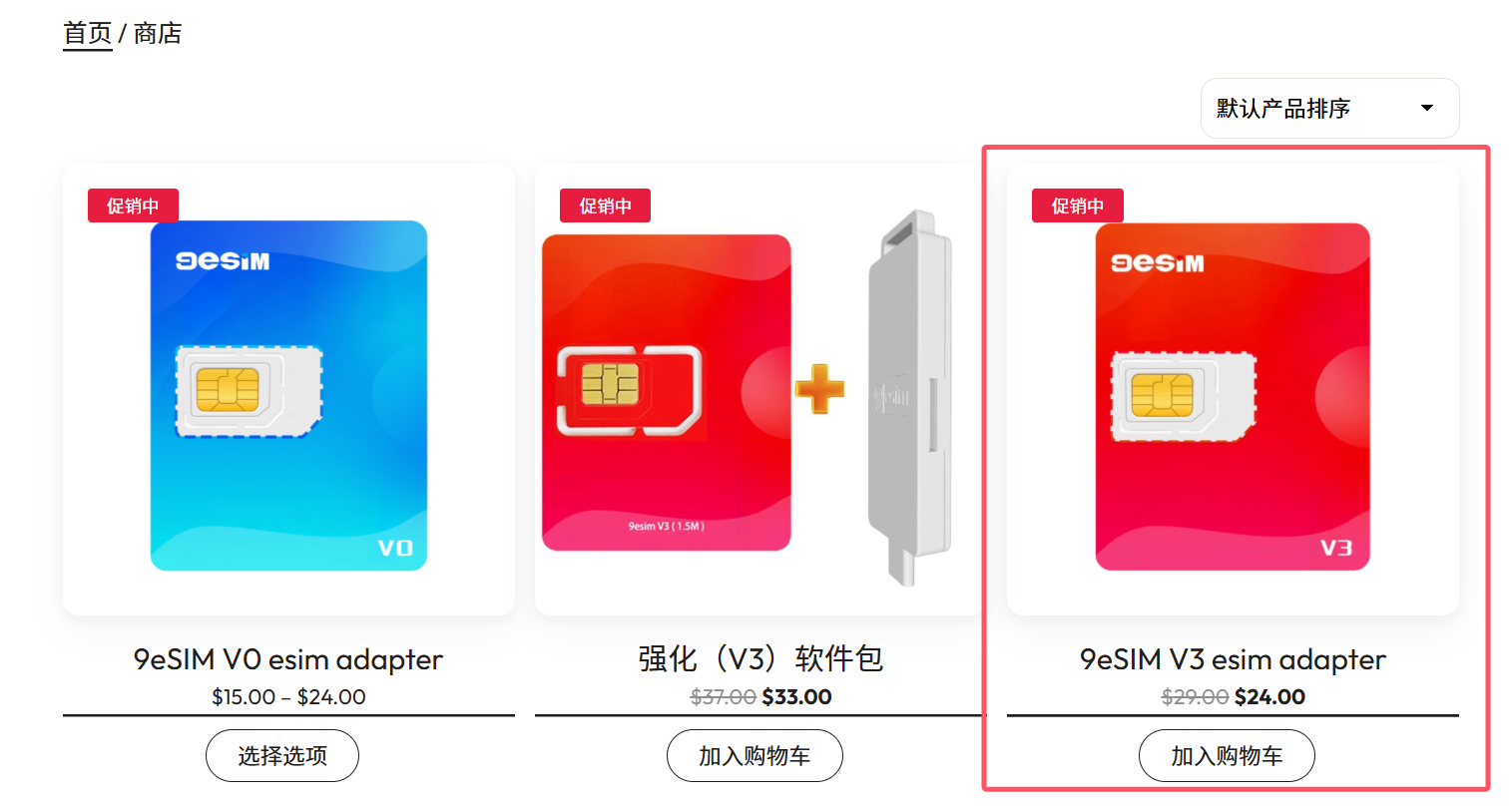
Check compatibility before purchase
9eSIM's supported-device guidance says the device needs a physical SIM tray. An eSIM-only phone cannot accept the card.
Also check how profiles will be written:
- On a compatible Android device, an LPA app may access the card through OMAPI.
- iOS restricts direct third-party writing to a physical SIM, so an external reader or another compatible device may be needed to load a profile.
- A PC workflow needs a compatible PC/SC reader.
Use the official compatibility checker or LPA before ordering. Exact model, regional firmware, Android version, and card revision can affect support.
Purchase the 9eSIM V3 hardware
- Open the official 9eSIM website and sign in if checkout requires it.
- Select the V3 or another card only after comparing capacity and compatibility.
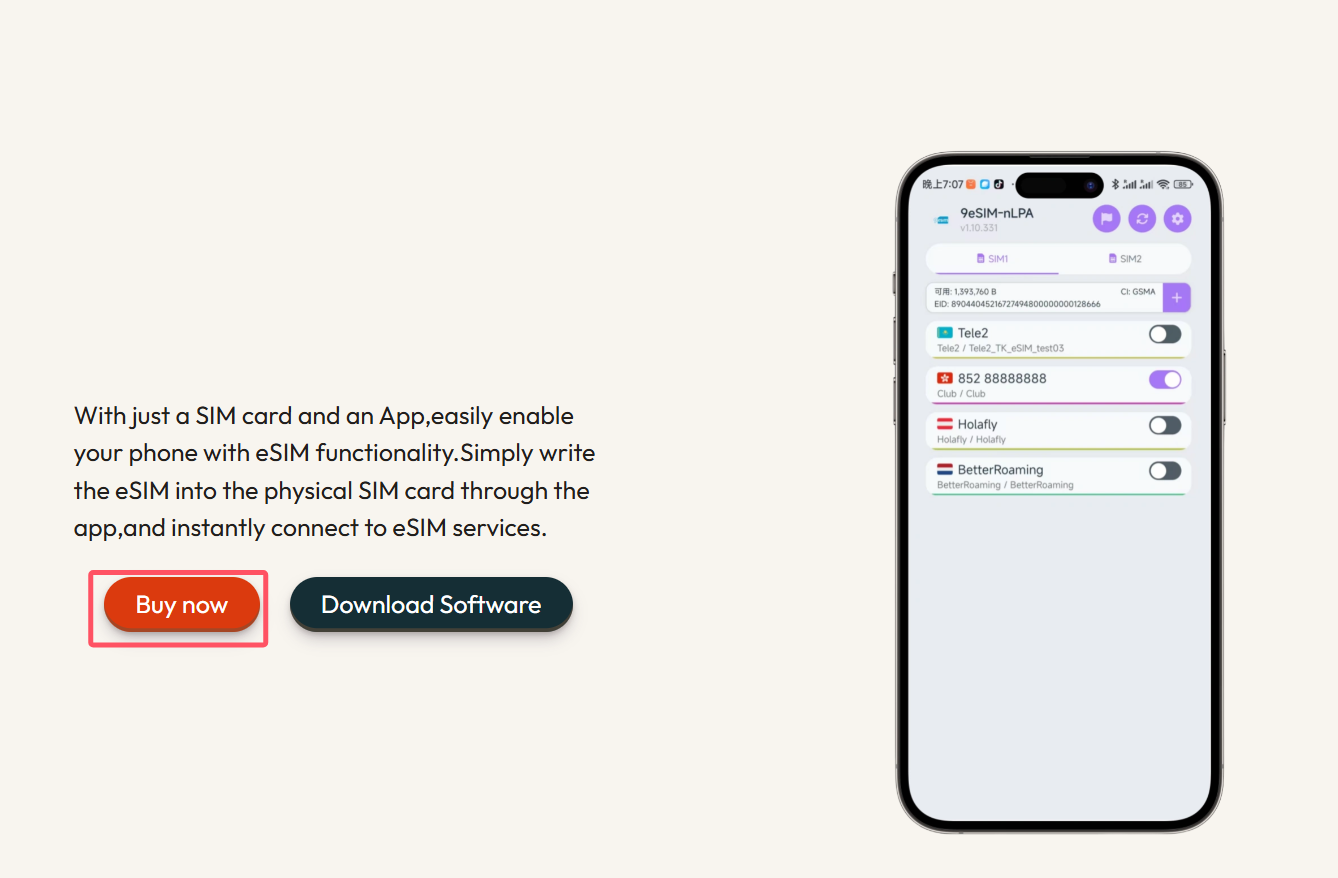
- Add the card and, when required by the intended workflow, a compatible card reader.
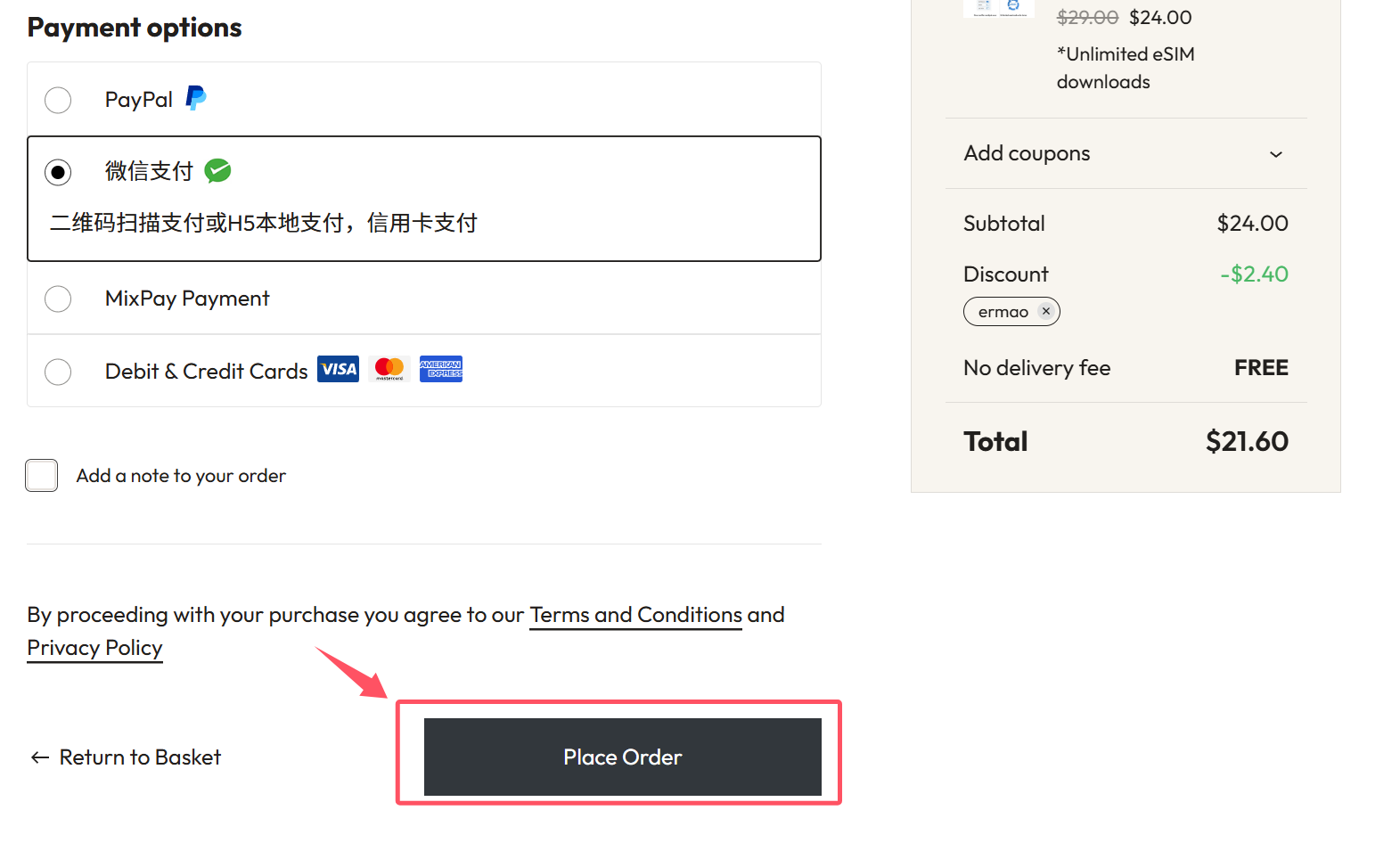
- Review the delivery address, shipping charge, taxes, return policy, and payment methods. Apply
ermaoonly if the checkout still recognizes it.
- Save the order confirmation and track the shipment. The source received its order after an estimated three to five days; international delivery is not guaranteed to match that result.
Buy a separate eSIM profile
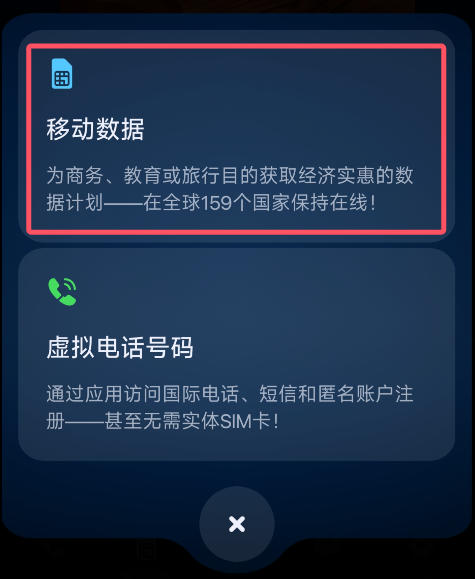
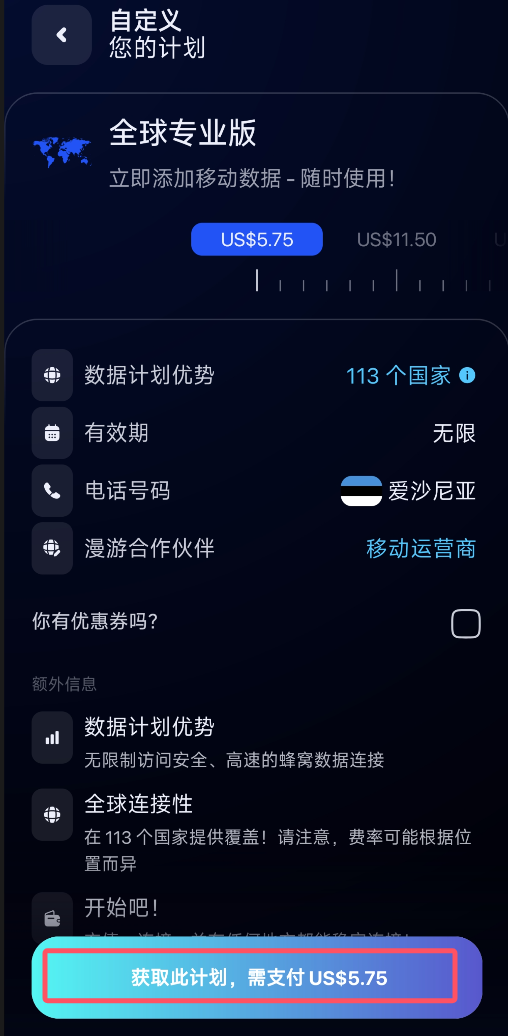
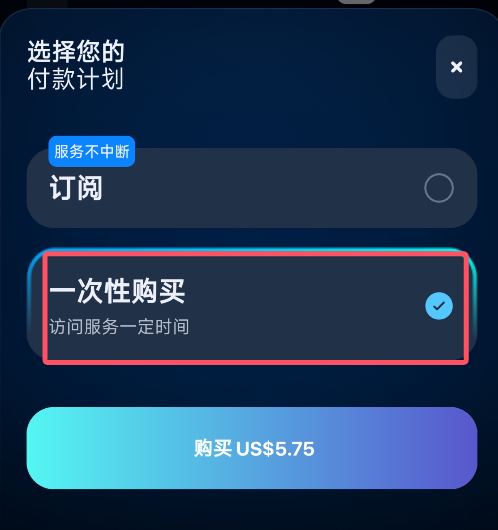
The following screens show the source author's eSIM Plus purchase flow. They are not part of the 9eSIM product, and current availability must be checked in the provider's app.
- Install eSIM Plus from a verified store listing or the provider's app link.
- Create an account and review its terms, privacy policy, refund rules, supported networks, and number-retention policy.
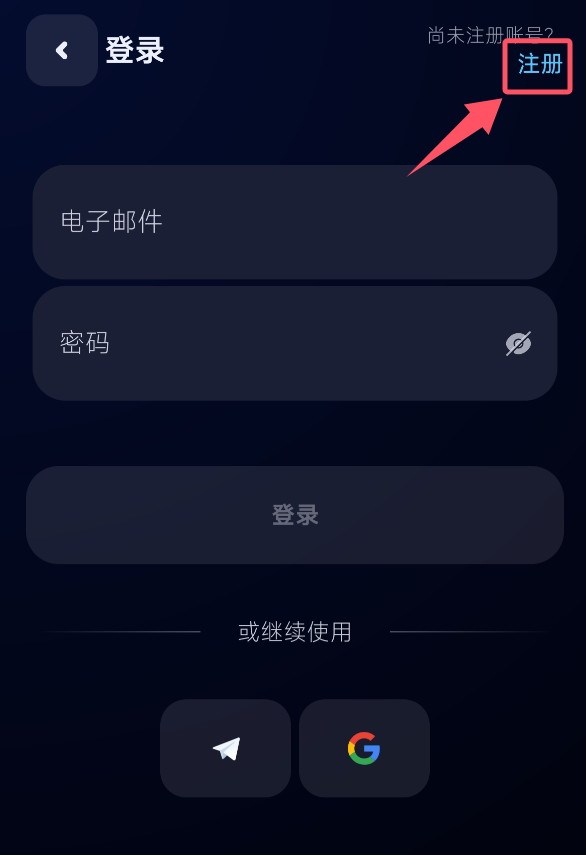
- In the source flow, the author chose Add eSIM → Mobile Data → Global → Pay as you go.
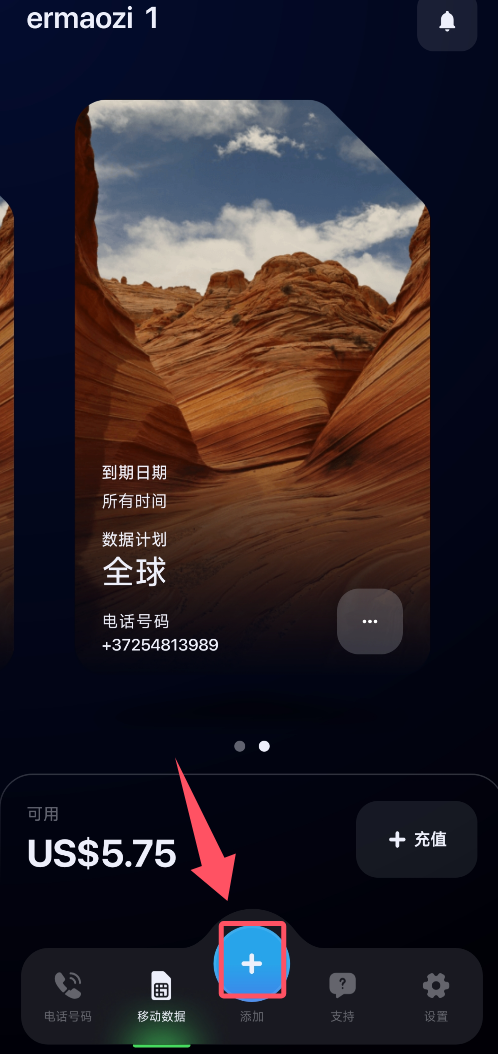
- The source then selected a one-time purchase and saw cryptocurrency or PayPal payment options.
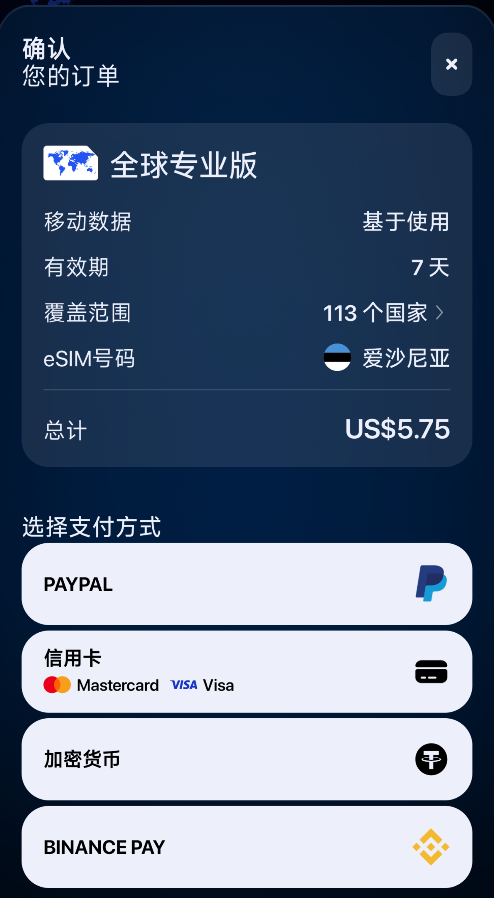
Before purchase, verify explicitly:
- whether the profile includes data, voice, SMS, or a combination;
- whether it receives application short codes and verification messages;
- its activation window, service validity, inactivity rules, and renewal cost;
- whether the number is dedicated, recycled, or can be reclaimed;
- whether the intended device and country are supported.
Load the eSIM profile onto the card
1. Insert the physical card
Power down the phone if its manufacturer requires it, insert the 9eSIM V3 into the physical SIM tray, and restart.
2. Install a compatible LPA
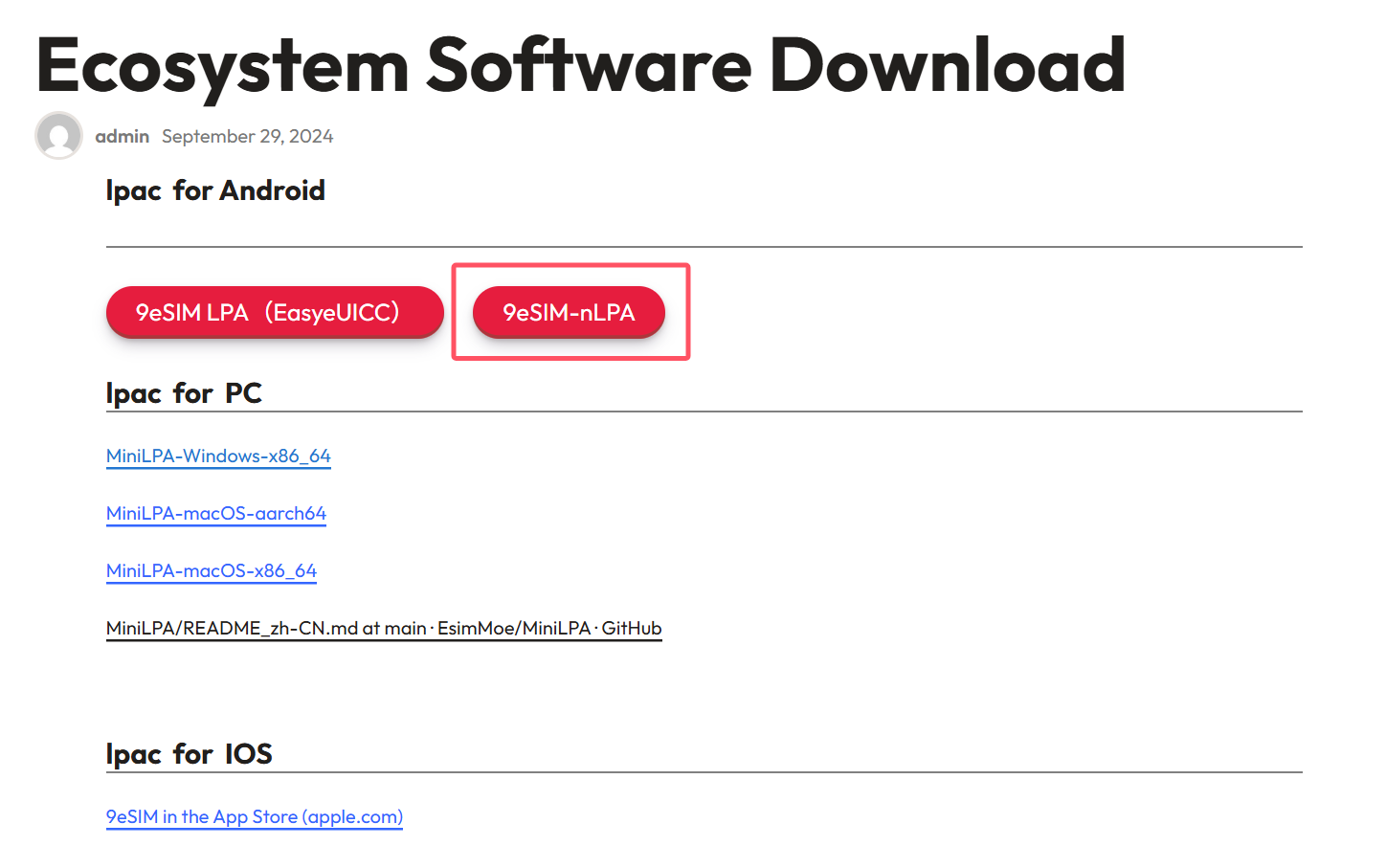
Use 9eSIM's current official software page. The current Android app requires Android 10 or later; use its linked store or direct APK entry. Meeting the OS requirement does not guarantee device compatibility, so also check the official device guidance. The separately listed 9eSIM Legacy (NekokoLPA 1) is the previous build; the historical screenshot below may show a different name or interface. For the V3 card used in this guide, writing profiles for iOS still requires an external reader or a compatible Android device; installing the iOS app alone is insufficient.
3. obtain the activation data
In the plan provider's app, open the purchased profile and choose its QR-code or manual-activation option.
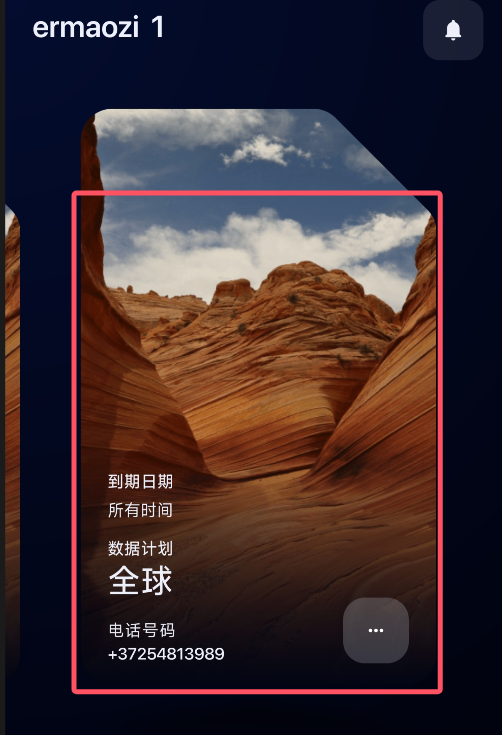
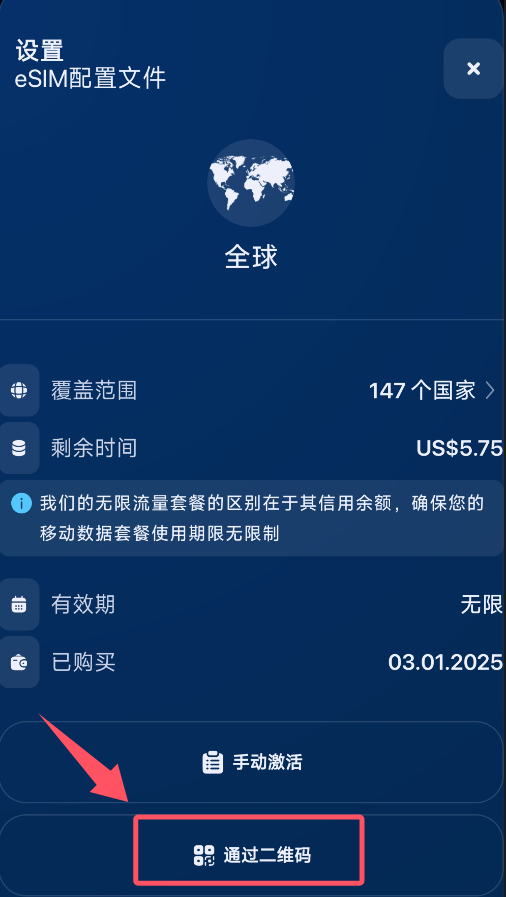
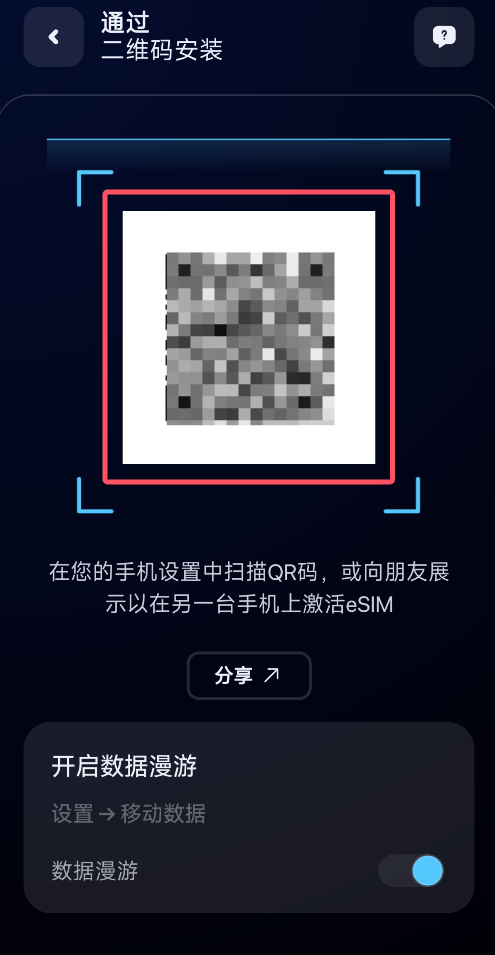
The activation QR code is a credential
Do not publish, email, or upload the QR image to an online converter. Many activation codes can be consumed only once. Store it only as long as needed and follow the profile provider's recovery procedure if loading fails.
4. Download the profile
Open the approved LPA, select the physical slot or reader containing the 9eSIM card, add a profile, and scan or import the activation data.
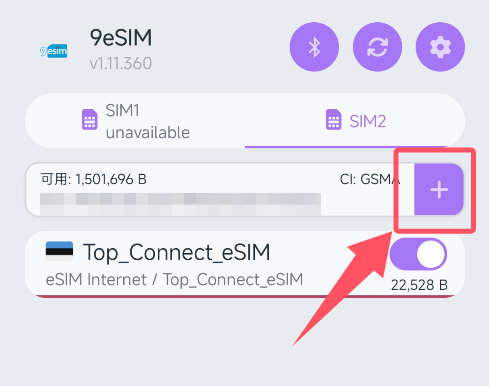
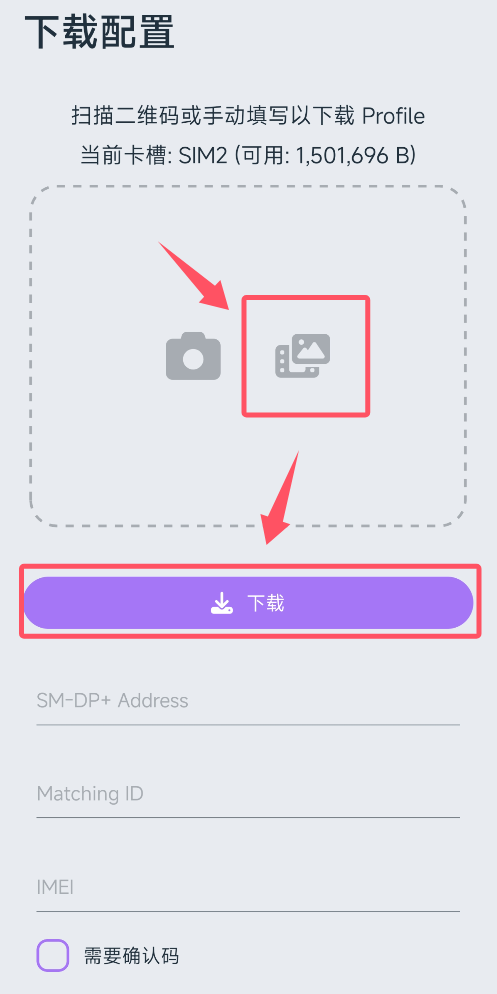
Keep the device connected and powered during the download. If it fails, do not repeatedly consume the activation code; save the exact error and contact the profile provider.
5. Enable and test the profile
Select the new profile, enable roaming only when the plan requires it, enter any required APN, and test data. If the plan claims a number with voice or SMS, test those separately.
Verification test shown in the source
The source author used the loaded profile during a Google Account flow:
- Open Google Account and start account creation.
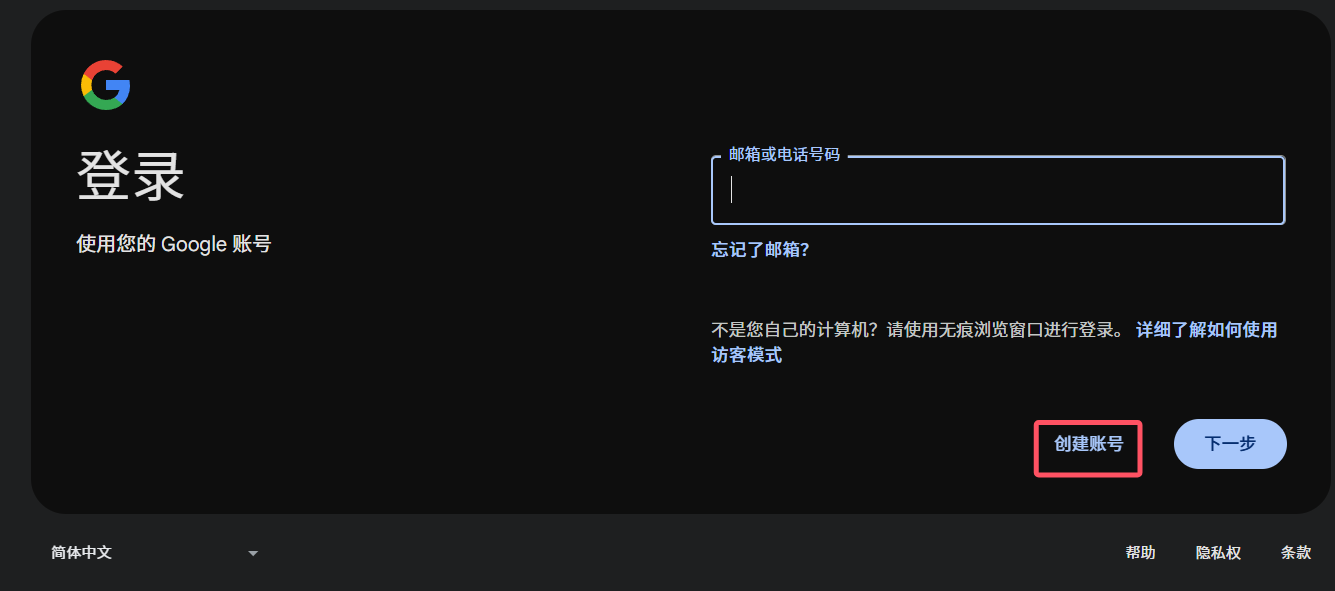
- If Google requests telephone verification, enter the number supplied by the profile provider.
- Enter the message only on Google's official page.
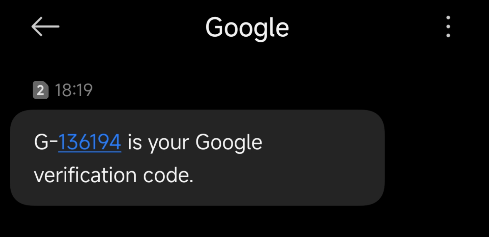
That test shows only that the particular number received the particular message at that time. It does not prove future support for Google, Telegram, X, or another platform.
Frequently asked questions
Which countries are available?
9eSIM hardware does not determine the country. Country, network, number, and roaming coverage come from the separately purchased carrier profile. Check the provider's current listing.
How long does the service last?
The physical 9eSIM card is reusable. Each loaded profile has its own activation, expiration, inactivity, top-up, and number-reclamation rules. “One-time purchase” does not necessarily mean a permanent number or lifetime service.
How do I change numbers?
Obtain another eligible carrier profile or number from the profile provider, load it if necessary, and switch profiles. Preserve access to any old number until every important account has been updated.
Is it safe?
The programmable card is only one component. Safety depends on device security, LPA authenticity, QR-code handling, the carrier or travel provider, account recovery, and the online service's rules. Use a long-term number under your control for valuable accounts and enable an independent recovery method.
Related guides
- Clash Meta for Android
- Clash Verge for Windows, Linux, and macOS
- Telegram registration and security
- Proxy-service reviews
Info
This guide documents a technical workflow, not a guarantee that a particular number will satisfy a platform's verification policy. Follow the laws, carrier terms, and account rules that apply to you.