
Backing Up a TrueNAS Virtual Machine
TrueNAS virtual-machine backup
Exporting a virtual machine
This procedure exports a raw image of a ZVOL-backed virtual disk, not a complete VM configuration backup. Record CPU, memory, boot mode, disk order, and network settings separately. Back up each disk if the VM has several.
Shut down the guest cleanly, confirm TrueNAS shows the VM stopped, and keep it stopped throughout the export so the disk does not change during copying. Forced power-off is not a clean shutdown.
ZVOL device paths are under:
/dev/zvolOlder releases use Virtualization → Devices → Disk → Edit to show the disk path. The screenshots below retain that older interface; newer releases expose disk devices under Virtual Machines → Devices. Follow the interface for your installed version.
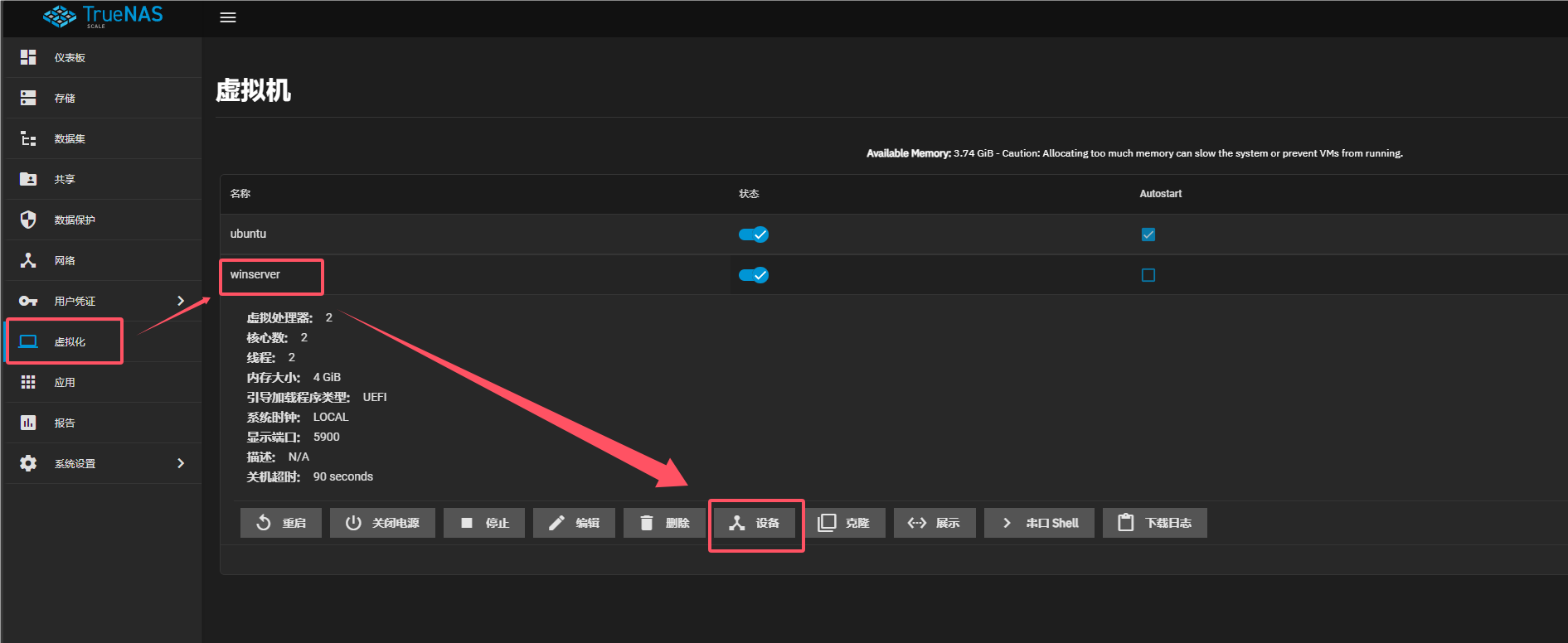
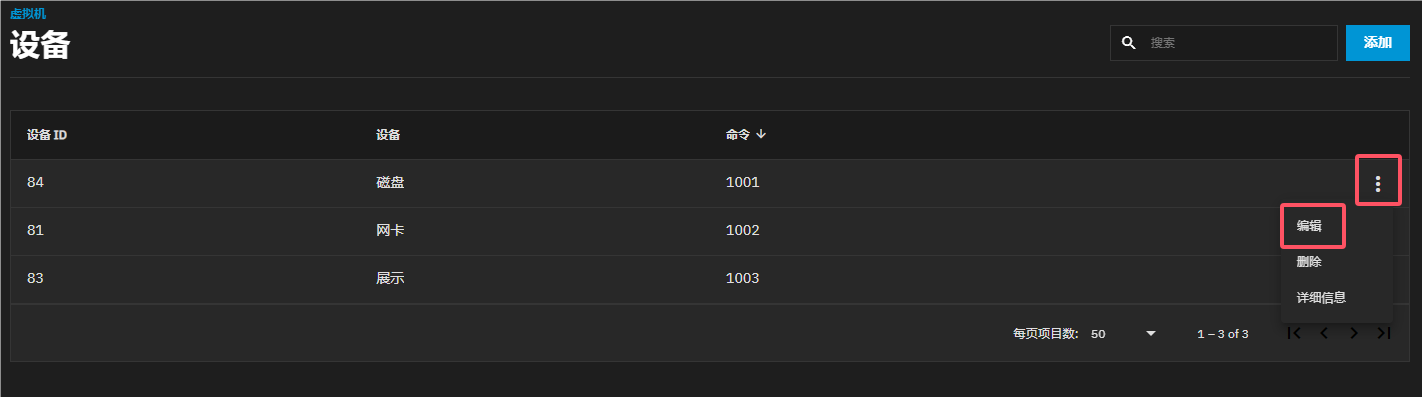
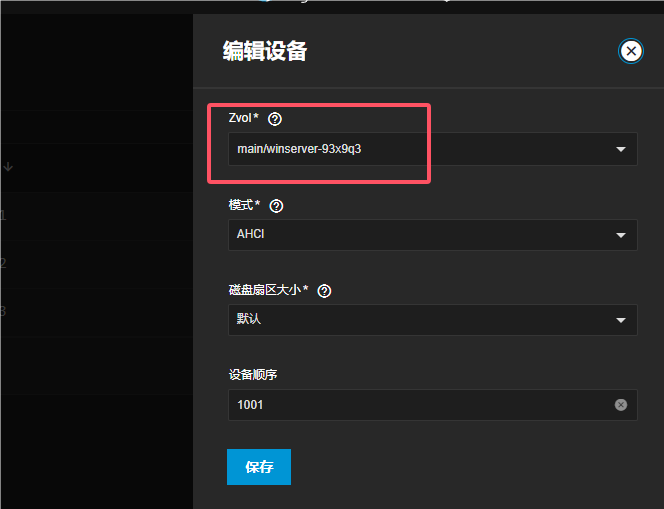
Check that the backup directory exists and has enough space for the full virtual disk size. Use a new filename for each backup. Pool, ZVOL, and file names below are examples to replace with your actual paths; of is the write destination, and choosing it incorrectly can overwrite data.
Use dd to export one disk of the stopped VM as a raw .img file:
dd if=/dev/zvol/main/winserver-93x9q3 of=/mnt/main/backup/winserver.imgHere, if is the source ZVOL device and of is the destination file. Wait for successful completion and check for read, write, or out-of-space errors. An interrupted or failed export is not a complete backup. Keep an independent copy rather than storing the only backup on the source pool.
Importing a virtual machine
Create a new ZVOL at least as large as the original virtual disk and ensure no running VM uses it. Verify that if is the backup image and of is the new recovery ZVOL. This write overwrites the destination; do not copy the example onto an original disk whose data you need to keep.
dd if=/mnt/main/backup/winserver.img of=/dev/zvol/main/winserver-restoredAfter a successful restore, recreate the VM settings you recorded, attach the restored ZVOL as an existing disk, and boot to check the OS, files, and application data. Do not reinstall an OS over the restored disk. Retain the backup until recovery has been verified.
Reference: TrueNAS VM management, clean shutdown, and existing-disk configuration. This is a disk-copy procedure, not a claim that backup or recovery has been tested on your hardware.